
What is the Half-life of Digital Information?

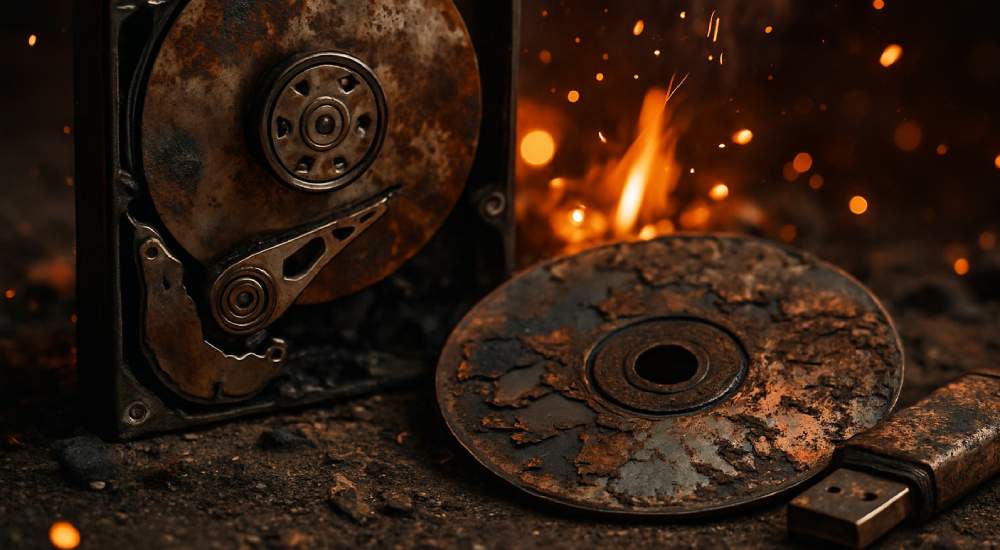
In Physics, half-life is when half the atoms in a radioactive sample have decayed. On the same line, digital data decays too. Bits disappear, links die, formats fade, and engagement collapses. Digital half-life is the time it takes half of a given data to become inaccessible, unreadable, or irrelevant. In this Geekswipe edition, we’ll explore the types of digital decay and how long it actually lasts.
A web page
A web page’s open web half-life is disturbingly short. It’s about 5 years. About 38% of pages from 2013 are gone today (Pew, 2024). 66.5% of links die within 9 years (Ahrefs). And on Wikipedia, the median link lifespan is about 1 year until it breaks or redirects (Wikipedia). Now, if you take the closed wall gardens like Facebook, Twitter, or Instagram, the link half-life is even shorter and more volatile.
Stored data
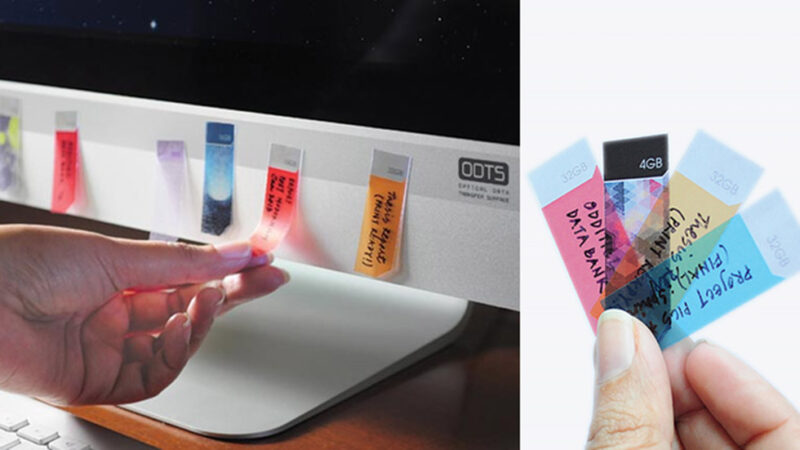
Let’s look at the data in storage media like HDDs, SSDs, and optical discs. SSDs lose data after 1 to 3 years unpowered due to charge leakage in flash memory cells, especially at high temperatures. Depending on usage patterns and environmental conditions, bit rot kicks in for HDDs after 5–10 years. Optical discs might last up to 100 years, but only in ideal, cool, dark, and low-humidity conditions, and only for archival-grade media like M-DISC. In short, stored data dies slowly and silently.
By the way, when was the last time you backed up your data?
File formats
File formats become outdated and fade away, making stored data obsolete without software to support them. Remember Flash? Fortunately, formats like JPEG, PNG, MP4, and PDF are standardised and adopted internationally, so they have a longer shelf life over centuries. But they are still binary and are susceptible to bit rot.
Authenticity has a half-life too
We’re entering an era where digital content is drowning in AI sludge. Archivists are now hoarding pre-AI data, fearing future historians won’t trust anything post-2022.
So how do you fight this digital decay of your priceless memories? Backups! Learn and adopt the 3-2-1 rule, where you always store 3 copies of your essential data in 2 different media types and 1 offline.
Preserve your media using open, well-documented formats like PDF, JPEG, RAW, PNG, MP4, WAV, and TXT. Based on the necessity you can even choose a lossy or lossless format that’d be standard even after decades.
In addition to these, always refresh your data every few years. Hash your files and keep a record of integrity to detect any bit rot.
Digital feels permanent. But most of it won’t outlive your next phone upgrade. If it matters, back it up. If it’s public, archive it. If it’s yours, maintain it. :)
References
First published Feb 21, 2024.
We totally get why you have an ad blocker. If you enjoy reading Geekswipe, turning it off for us helps keep the site alive and the science coming.
We're a clique of geeks, nerds, professionals who co-exist peacefully at Geekswipe, writing on science, technology, culture, and answering your curious questions.
More by Geekswipe Team

I have been routinely backing up my system copy for twenty years now. It must be a discipline than a habit.