
Can PDF Provide Long-term Archival and Withstand Bit Rot?

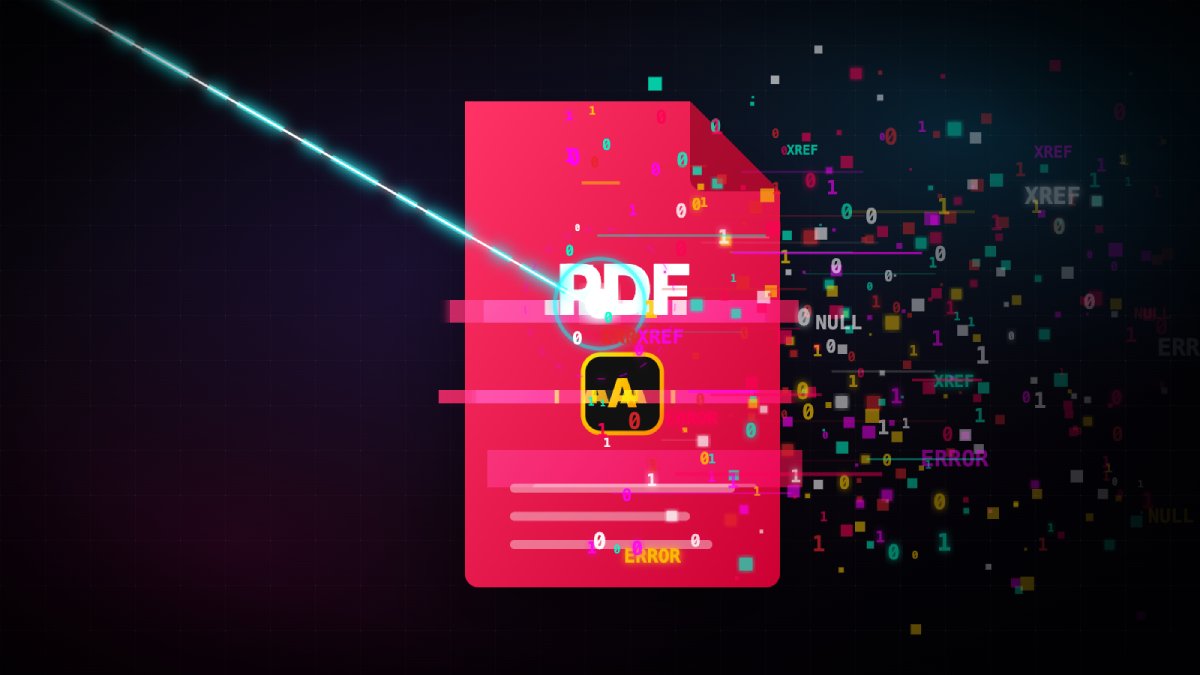
You finalise that crucial project document, tax return, or family history, hit “Export to PDF,” and feel that deep, satisfying click of permanence. It almost feels like carving it into a digital stone. And in your mind, you might even wonder how in a hundred years from now, your great-grandkids will be opening it and see exactly what you saw.
Do you want to know the reality? Well, like all digital files, PDF is susceptible to decay too. It does come with a digital half-life. To put it in a grand scale, you’ve just wrapped your data in a fragile little software blanket and left it out in a radioactive storm.
In this Geekswipe edition, let’s dismantle the PDF contexts of ‘formatting preservation’, ‘long-term archival’, and ‘data survival’. We’ll talk about PDF, the undisputed king of digital archiving, and why it is completely defenseless against the slow, creeping death known as bit rot.
Wait, isn’t long-term archival literally the point of PDF/A?
Let’s give credit where it’s due. The standard PDF is a complicated, messy, sprawling nightmare. It can contain embedded JavaScript, external web links, and proprietary DRM (do you know, it can even run DOOM?).
The archives department of the world saw this liability and created the PDF/A (A for Archive) standard.
Unlike the standard PDF, the PDF/A standard forces you to embed all your fonts directly into the file. It strips out audio, video, encryption, and anything that requires a third-party plugin to function. It strictly mandates that the color spaces are perfectly defined.
It guarantees that if someone manages to open the file 50 years from now, their rendering software will know exactly how to draw the letters on the screen without needing to fetch a font from a long-dead server.
And like I said, reality is different. PDF/A standard protects you against software obsolescence. But it’s still a fragile format when you pit it against the whole universe. It does absolutely nothing to protect you against physics.
The physics of data
Data isn’t magic. It’s intensely physical. On a mechanical hard drive, your PDF is a microscopic patch of magnetism. On a solid-state drive (SSD), it’s a specific number of electrons trapped in a microscopic floating gate.
And the universe fundamentally hates order. Entropy exists!
Over time, magnetic fields fade. Trapped electrons leak through microscopic insulating layers. Background radiation and literal high-energy cosmic rays from deep space or even from the sun occasionally crash through your server racks and might physically flip a 1 to a 0.
This random flip is a type of data degradation, commonly called “bit rot.” It happens silently. You won’t even know it happened until you try to open the file.
So what actually happens when a PDF gets bit-rotted?
What do you expect me to say? It dies. 🤷🏻♂️ Often, spectacularly.
If a cosmic ray flips a single bit in the middle of a raw text file (.txt), you get a typo. The word ‘Hello’ might become ‘Jello’. The context survives, and you can still read it.
But PDFs are not just text. They are highly structured databases of objects. They rely on a fragile web of internal cross-reference tables (XREF tables) to tell the reader (the software) exactly where every font, image, and paragraph of text is located mathematically within the file.
If a bit flips inside the raw text of a PDF, maybe a letter drops out. But if a bit flips inside the header, the XREF table, or the embedded font stream, the parser completely loses its mind. The whole structure collapses like a house of cards. You double-click it, Adobe reader would simply throw a vague “file is damaged and could not be repaired” error, and your immortal digital document is instantly transformed into useless garbage.
Some hardware and software error correction mechanisms do exist, but a container like PDF format has exactly zero internal error-correcting codes to heal itself. It is a container, not a bodyguard.
So what can actually help long term PDF archival?
In short, it’s a two person job.
We have to stop relying on file formats to do the storage medium’s job. PDF/A is morel like the formaldehyde that keeps the specimen looking fresh, but we’d still need a apocalypse-proof jar to put it in.
To fight bit rot, we need redundancy and active, algorithmic verification at the infrastructure level. An array of hard disks with the right filesystem that can battle against the universe.
We need self-healing file systems like ZFS. These file systems constantly hash your data, creating mathematical fingerprints called checksums of the files and checking them against what they are supposed to be.
Every time you open a PDF, the ZFS would check the checksum of the file against the stored one. If a cosmic ray did flip a bit, ZFS would simply serve you a backup document from a mirrored drive, and while you are reading it, it will overwrite the bit-rotted copy with the backup one.
So always remember that a PDF, be it PDF/A, sitting alone on that external hard drive in the closet isn’t an archive. It’s a ticking time bomb. The format guarantees your document will look absolutely perfect, right up until the very millisecond it becomes totally unreadable when the universe turns against you.
So yeah. Keep multiple backups of your files!
First published Nov 25, 2012.
We totally get why you have an ad blocker. If you enjoy reading Geekswipe, turning it off for us helps keep the site alive and the science coming.

Aeronautical engineer, product builder, developer, science fiction author, and an explorer. I'm the creator and editor of Geekswipe. I love writing about physics, aerospace, astronomy, and technology.
More by Karthikeyan KC


What a well-written article! Thank you for sharing, Karthik.
Thank you for your kind words. :)