How To Backup Windows 8 Start Screen Customization

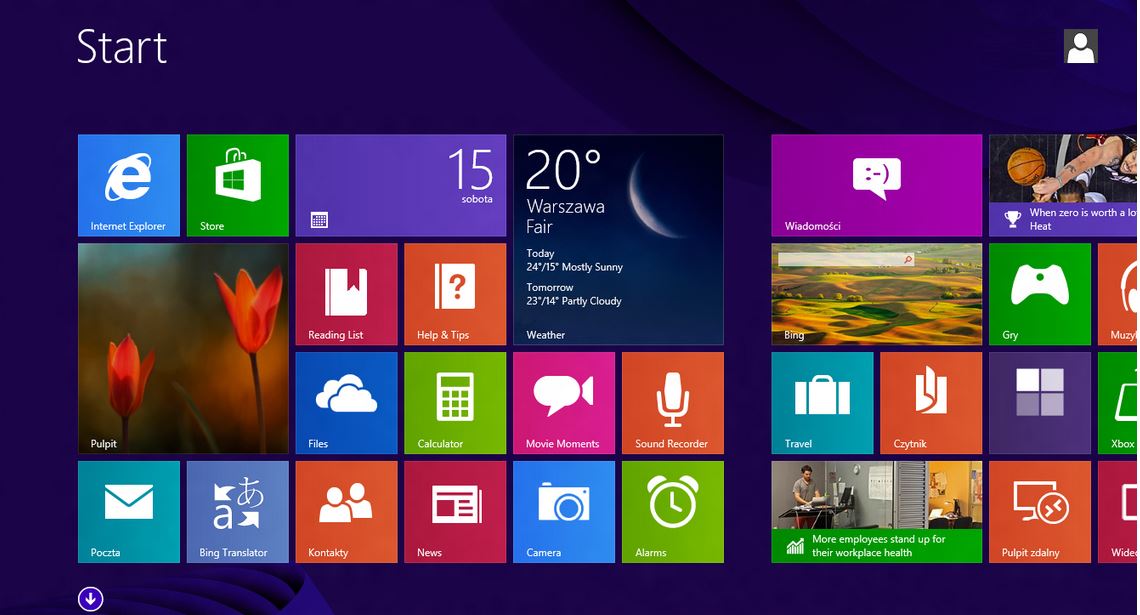
Ever since the windows 8.1 upgrade, the windows 8 start screen tiles unleashed their customizable features to the max. The problem with most of the power users is that they often tend to mess up the start screen once in a while during cases like a system restore or a full format when all hell breaks loose. Here is a handy tip to backup windows 8 start screen with the current customization and restore it later or when needed.
1. Open Run ( Win Key + R )
2. Type: %LocalAppData%\Microsoft\Windows and hit Enter
Now you will see the location of the windows 8 start screen customization files where your custom layouts are stored.
3. Now copy these two files appsFolder.itemdata-ms and appsfolder.itemdata-ms.bak to any backup folder.
When you mess up the layouts next time, here is your backup to restore it. Make sure you keep doing this backup once in a while to update the files.
First published Jan 20, 2014.
We totally get why you have an ad blocker. If you enjoy reading Geekswipe, turning it off for us helps keep the site alive and the science coming.

Aeronautical engineer, product builder, developer, science fiction author, and an explorer. I'm the creator and editor of Geekswipe. I love writing about physics, aerospace, astronomy, and technology.
More by Karthikeyan KC